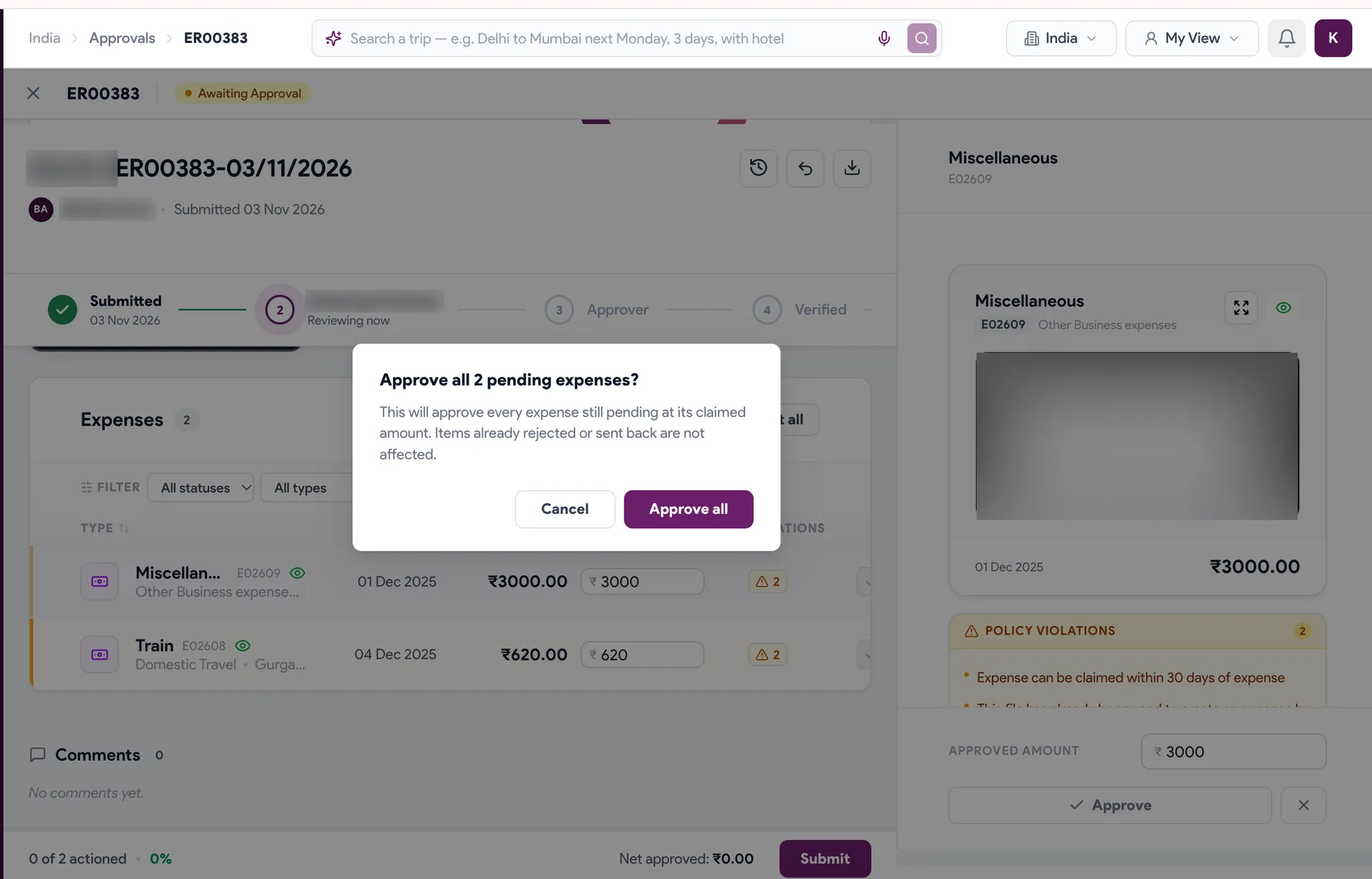
Step-by-step guides
Screen-by-screen walkthroughs of the things you do most in ProXpense.
01
Travel
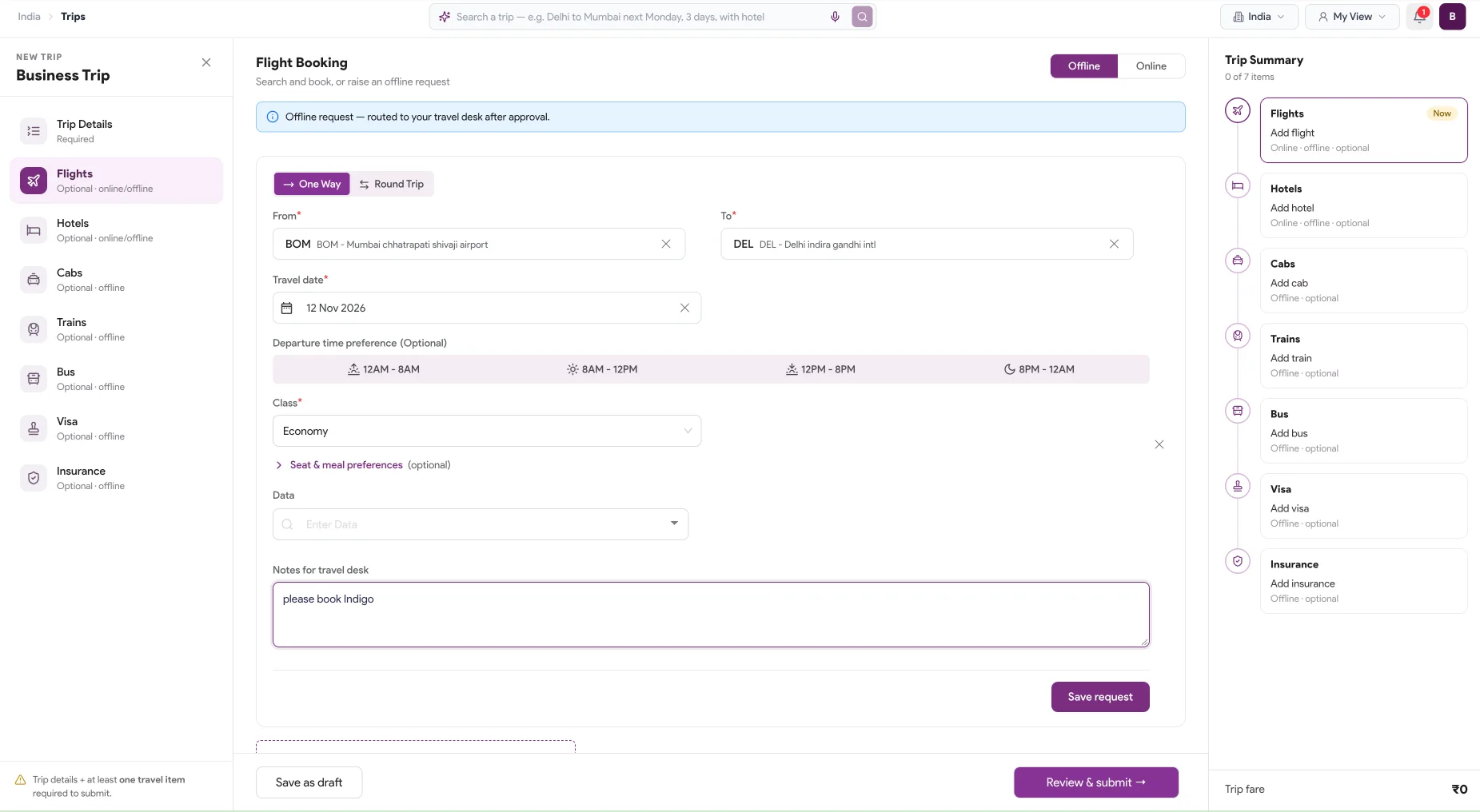 11 STEPS · 7 MIN · EMPLOYEESRequest a business trip →Start a trip, add flights, hotels, cabs, trains, buses and insurance, plus a visa for travel abroad, and send it for approval, all from one form.
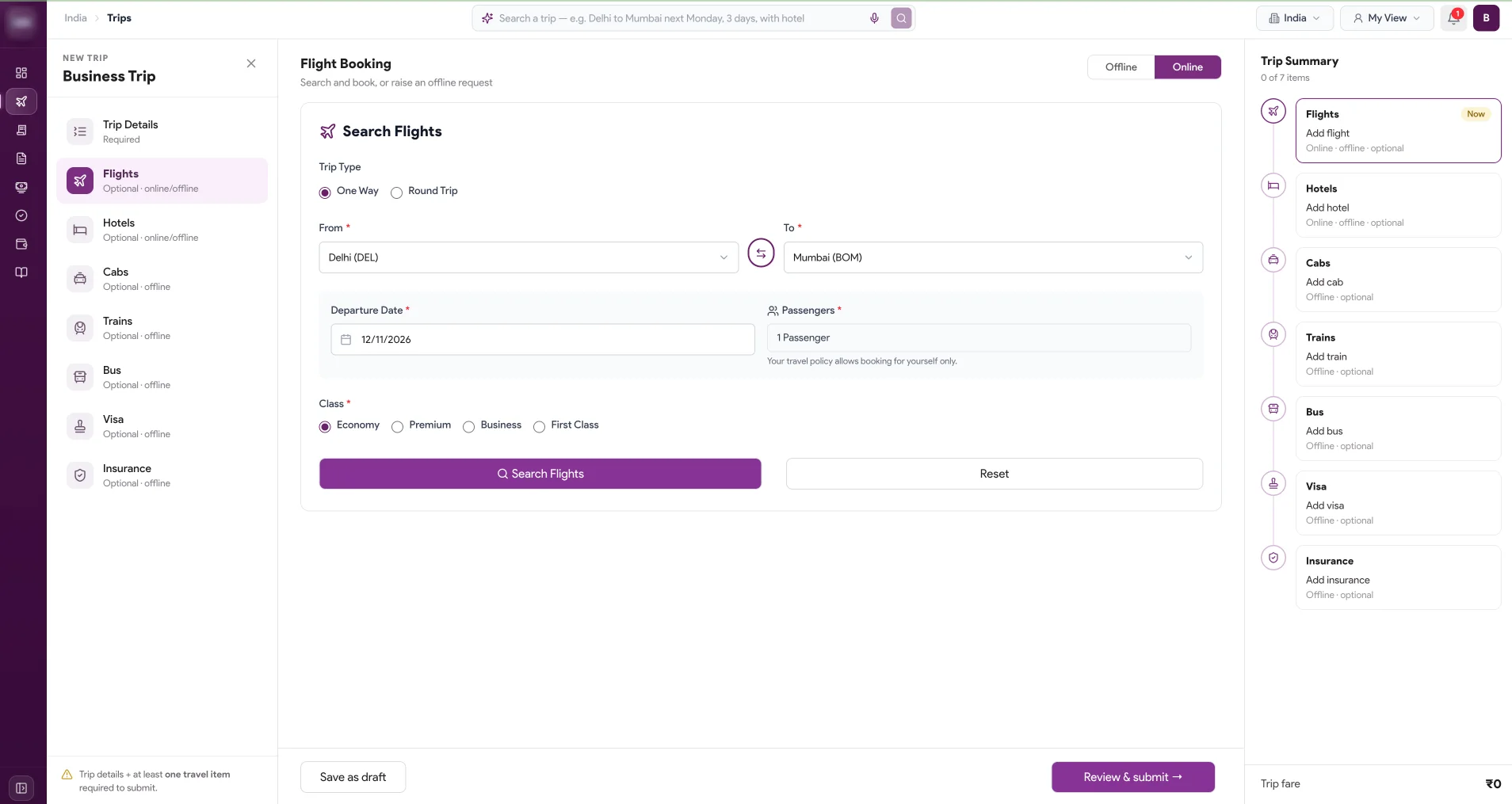 11 STEPS · 7 MIN · EMPLOYEESOffline booking request and Self Book Tool →Send your travel desk an offline request for flights, hotels, cabs, trains, buses, visas and insurance, or search and book flights yourself with the Self Book Tool.
02
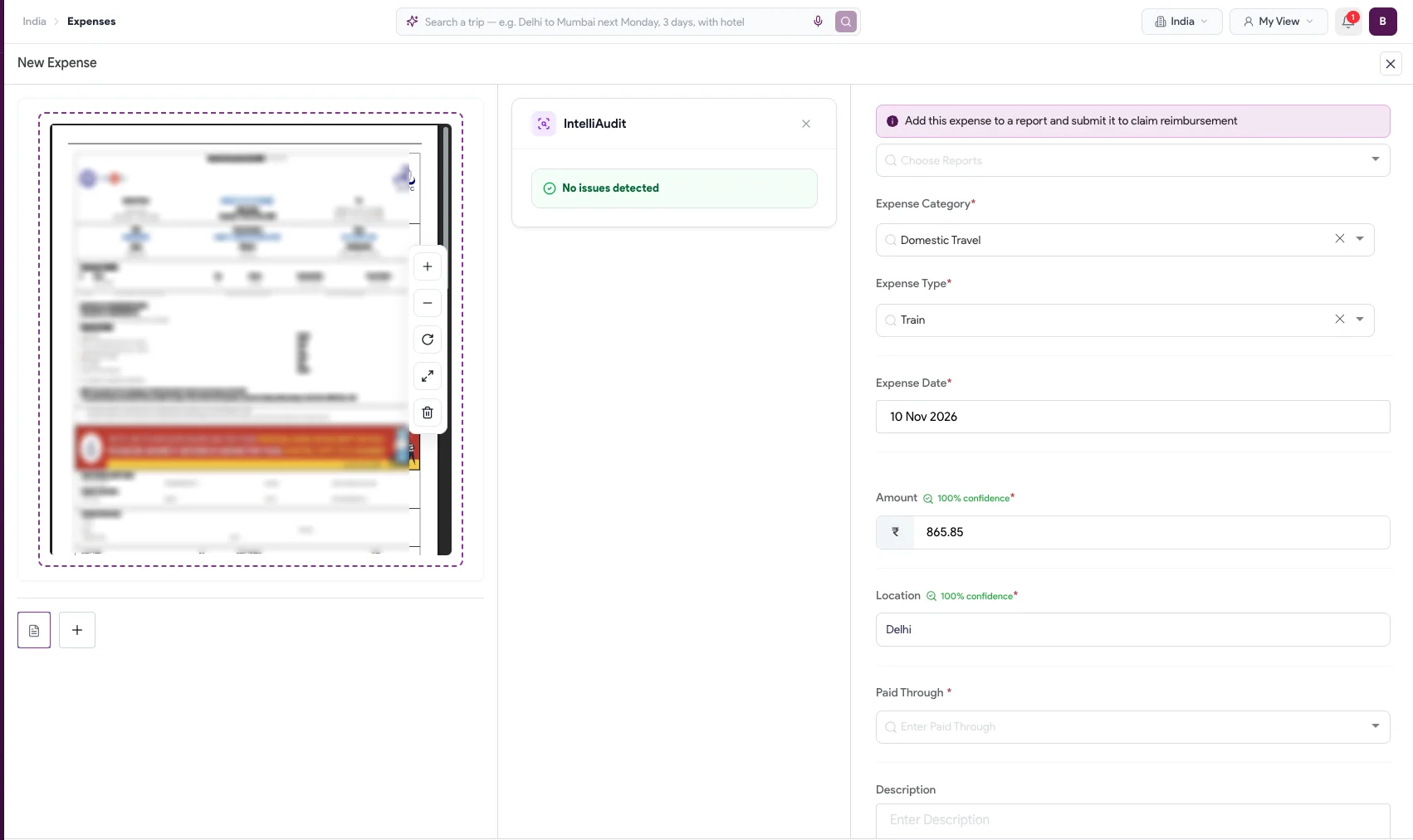
Expense
03